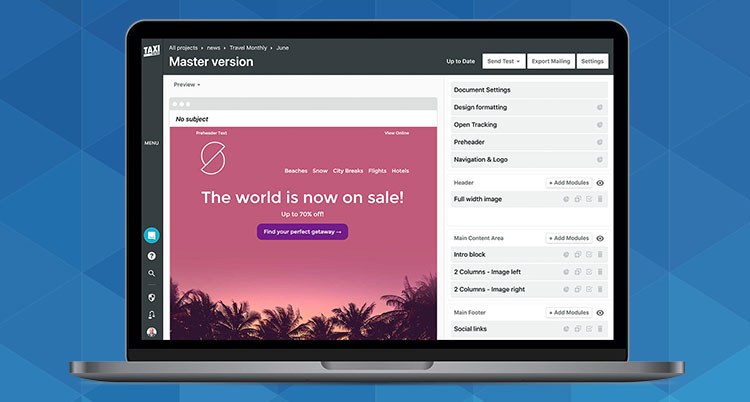
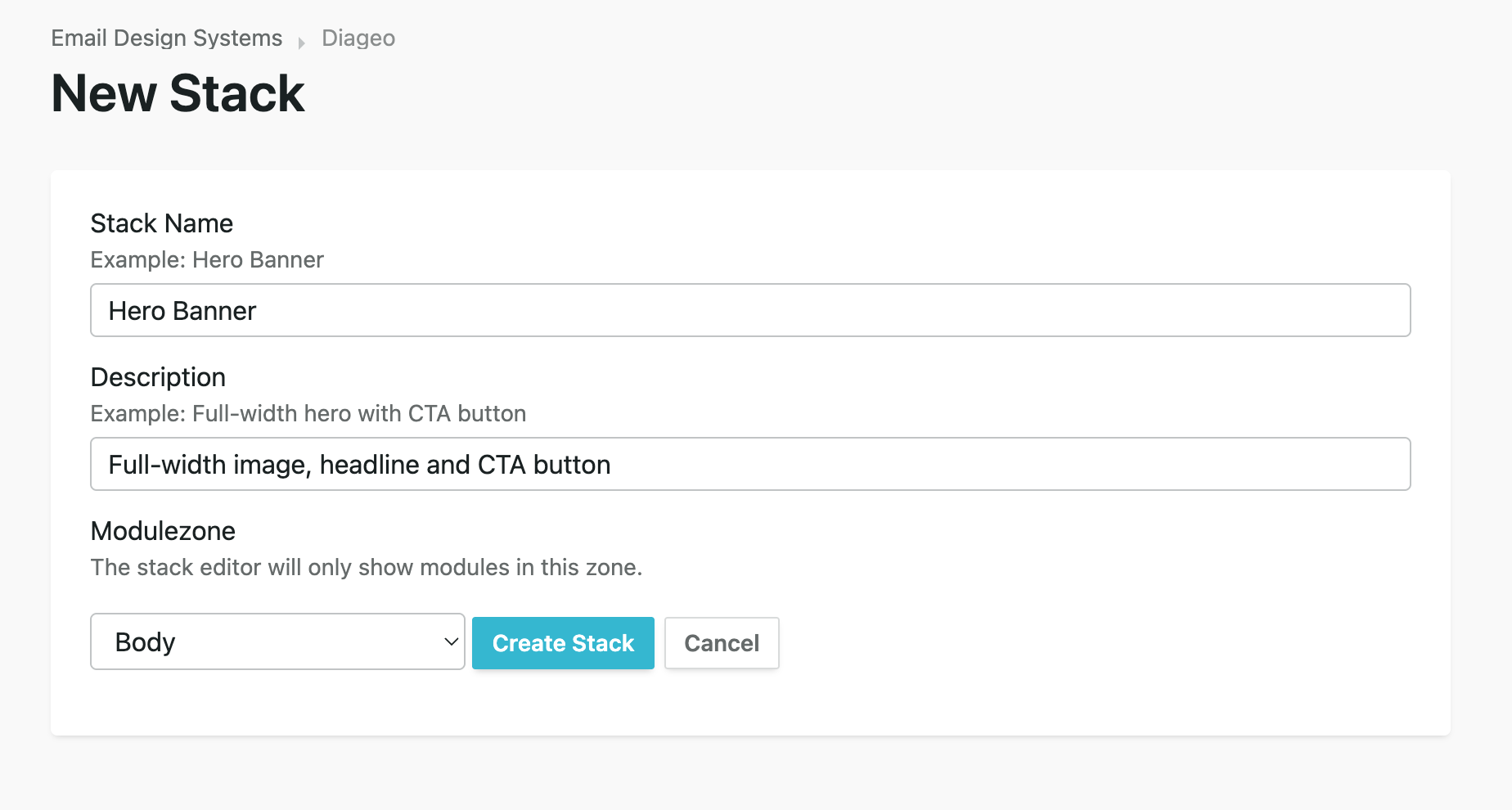
A Stack is a saved, reusable set of modules tied to a specific modulezone in your Email Design System. When a designer creates a Stack, they choose which modules belong to it, set up the layout, and fill in default content.
Editors can then apply an entire Stack to a mailing in one click — all the modules appear instantly, pre-populated and ready to edit. No rebuilding from scratch, no hunting for the right modules.
Stacks are scoped to a modulezone, so they only appear in the zone they were built for — keeping the editor clean and the right content in the right place.
Think of a Stack as a content recipe: a "Hero Banner" Stack might contain a full-width image module, a headline module, and a CTA button module — all pre-configured and ready to customise.
Stacks are managed from the Stacks tab inside your Email Design System settings. You need designer or admin access to create and edit Stacks.
Note: Each Stack is scoped to one modulezone. Editors will only see it in the zone you selected.
To update a Stack's modules or content, click its name in the Stacks list to open it in the editor. Changes you make here update the Stack's default content — they don't affect mailings that have already used the Stack.
To rename or delete a Stack, use the ⋮ menu next to its name in the Stacks list.
Note: Deleting a Stack is permanent and cannot be undone.
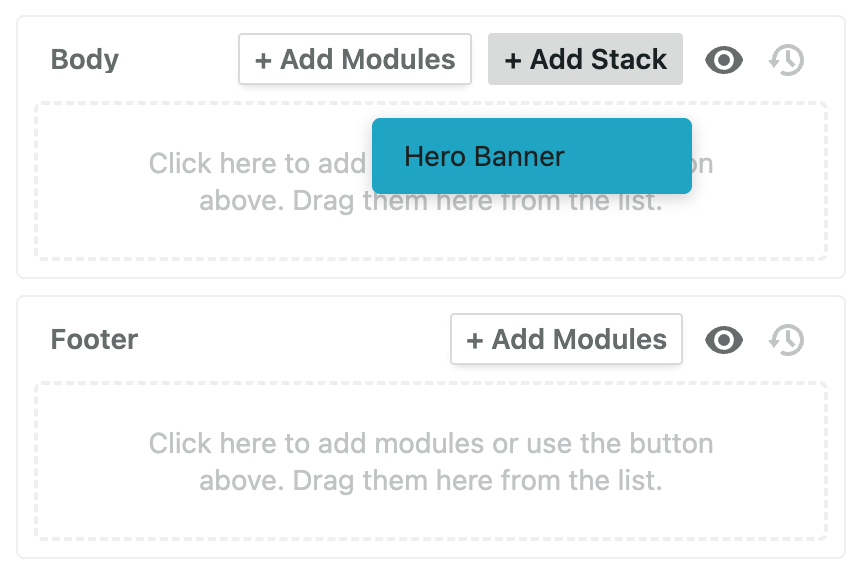
When a mailing has Stacks configured for one of its modulezones, a + Add Stack button appears in the modulezone header alongside the standard "+ Add Modules" button.
Note: The + Add Stack button is only available on the default (parent) version of a mailing.